A door that lets members in and keeps the clock.
The member’s QR opens the door, starts their timed visit and, on the way out, closes it. A confirmed meeting room booking opens the door around its booked hours.
Running a study space without someone at the desk
Many study cafes are busiest late at night and early in the morning, exactly when paying someone to sit at the counter makes least sense. Leaving the door open means anyone walks in; handing out keys means you never know who is inside.
And if the door is not connected to the passes, an expired member walks in as easily as a paying one, while you find out at the end of the month.
How the door works with Timeo
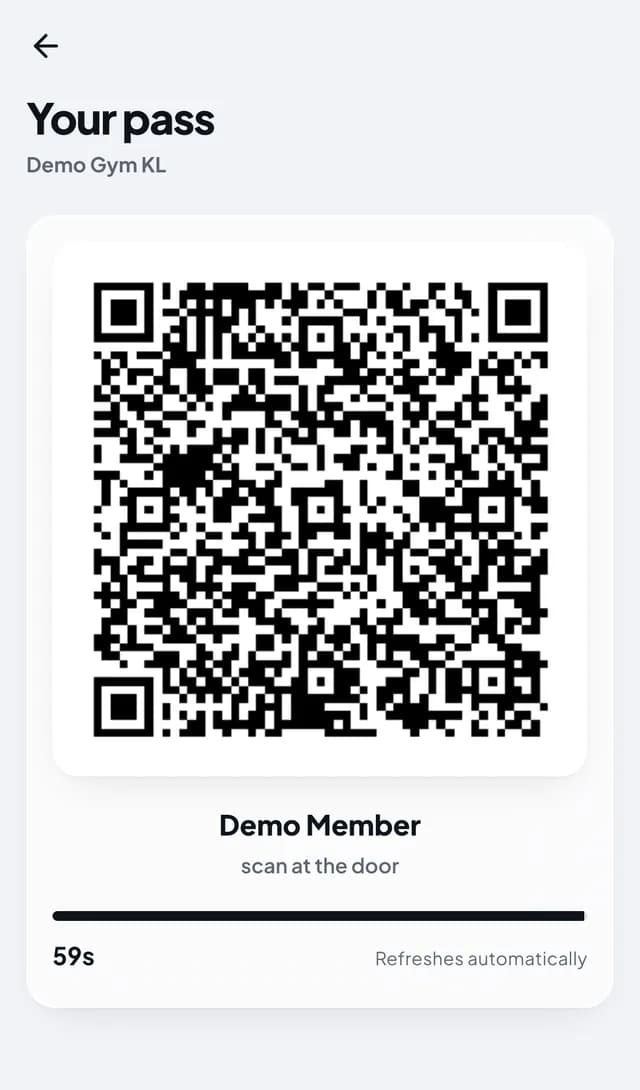
Members scan the QR pass from their app at a supported door reader. With timed visits on, that scan checks they have hours left, opens a visit, and the scan on the way out closes it and charges only the time spent. With Max hours per day set, the door refuses entry once they have used their hours for the day.
Bookings open the door as well. A confirmed hourly room booking lets its booker in from a set number of minutes before the booking starts until a set number after it ends; a booking still waiting for payment opens nothing.
You choose what happens when a pass runs out under Member pass after membership ends: lock right away, keep working for a few days, or always let members in. Door opening hours can limit member entry to set hours while staff can always get in, and Door logs record every allowed and refused entry.
Connect your door
- Switch on Timed visits (hours passes) in More features (Settings > Features).
- Add your door reader under Door access > Hardware.
- In More features, set Member pass after membership ends, and turn on Door opening hours if members should only get in at certain times.
- Under Door by booking time, set Minutes before the booking starts and Minutes after the booking ends for room bookings.
- Check Door access > Door logs after a test scan to see the entry recorded.
What members see
Members open their pass in the app and hold the QR to the reader. Inside, their home screen shows the visit has started and how much time is left; on the way out, one more scan and the time stops.
Someone who booked a meeting room does not need a pass at all: their confirmed booking opens the door around the booked time.
Questions
Which door readers work with Timeo?
Supported QR door readers, NFC cards linked to members, and supported face terminals connected through the Gate Agent. Add them under Door access > Hardware.
Does every scan count as time used?
No. The first scan opens a visit and the next closes it, and only the time between is taken off the pass. A quick exit inside the free exit window is not charged.
Can a meeting room booking open the door?
Yes. A confirmed hourly booking opens the door within the minutes before and after it that you set. Unpaid bookings do not.
Can I stop members coming in at night?
Turn on Door opening hours and members are only let in during those hours. Staff can always get in.
What happens when a member’s hours run out?
You decide under Member pass after membership ends: lock right away, keep the pass working for a few days, or always let members in.