Know who is inside and which seats earn their space.
The Inside now board shows every member in the building, their seat and time left. The Seat utilisation report shows how each desk was used over any date range.
Guessing how full you are
From the counter you can see a few rows of desks, not the back room or the quiet zone. When someone asks if there is space, staff walk the floor to check, and members who ran out of time an hour ago are still sitting there because nobody noticed.
Planning is guesswork too. You cannot tell whether the window seats really are more popular, whether the shared table pays for itself, or which hours the floor is empty.
How Timeo shows your floor
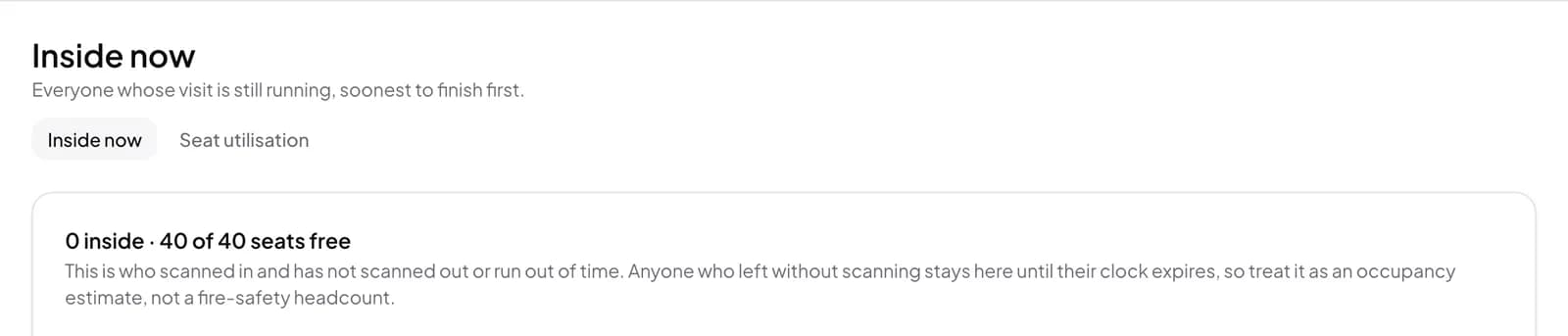
The Inside now board lists everyone who scanned in and has not scanned out or run out of time, with their seat, when they started and the time left. The header counts how many are inside and how many seats are free, and a badge shows how many are over time.
Staff can act from the same row: Move seat to shift someone to another desk, or End visit for someone who left without scanning. Because people who leave without scanning stay listed until their clock runs out, the board is an occupancy estimate, not a fire safety headcount, and it says so.
Seat utilisation turns visits into numbers for any date range: for each seat and room, the visits, hours occupied, utilisation, average visit and revenue, so you can see which desks pull their weight.
Open the board
- Switch on Timed visits (hours passes) in More features (Settings > Features); the board and report only appear once it is on.
- Follow Open the Inside now board on that card, or turn Starter mode off so Inside now shows in your menu.
- Use Move seat or End visit on a member’s row when someone changes desk or leaves without scanning.
- Open the Seat utilisation tab next to Inside now and pick a date range.
- Compare Hours occupied and Revenue per seat before you rearrange the floor or change zones.
What members notice
Members get a floor that is managed rather than guessed: staff can point them to a free seat straight away, and someone who ran over their time is noticed and asked to top up instead of quietly holding a desk.
In the app, each member sees their own visit, seat and time left, so the board and their phone always agree.
Questions
Is the Inside now board a real headcount?
No. It lists who scanned in and has not scanned out or run out of time. Anyone who left without scanning stays until their clock expires, so treat it as an occupancy estimate.
Can staff end a visit for someone who forgot to scan out?
Yes. Use End visit on their row on the Inside now board.
Who can see the revenue per seat?
Seat utilisation needs report access, so a cashier who can manage the board does not see the day’s revenue.
What does utilisation measure?
For each seat over your chosen dates it shows visits, hours occupied, utilisation, average visit length and revenue.