A salon POS that starts from the appointment.
Open the booking, press Check out, add any retail products and take payment, and the visit is marked completed in the same step.
Where salon checkout goes wrong
At the end of a busy Saturday, the front desk is charging clients from memory: was that a short or long hair price, did she also buy the purple shampoo, who did the toner? Typing it all into a separate till means mistakes, and the calendar and the takings never match.
Retail is where salons quietly lose money. Products sold at the basin get forgotten on the bill, and nobody knows which stylist is actually recommending the aftercare.
How Timeo checks out a salon client
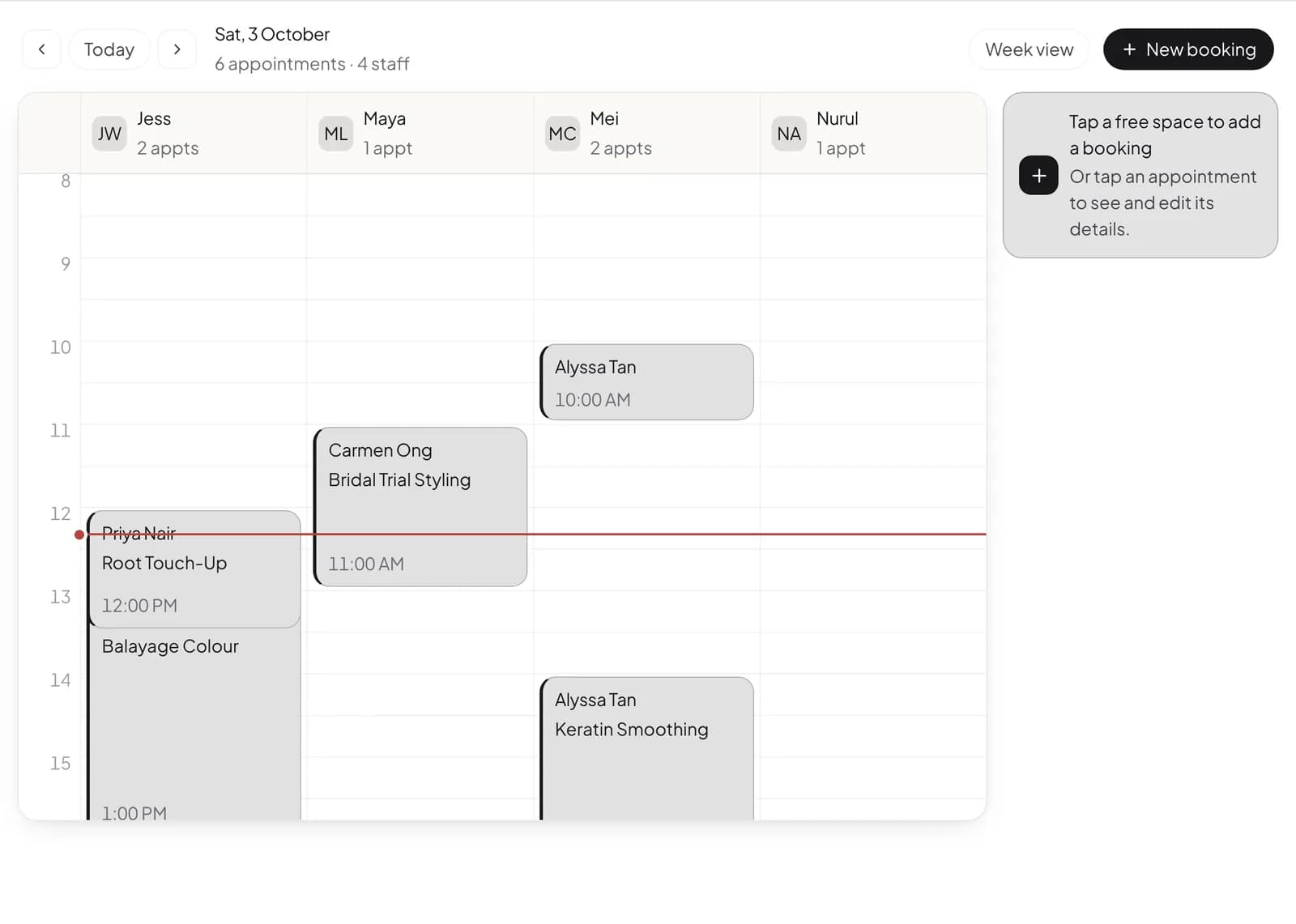
Every appointment has a Check out button. The service and the stylist are already on the bill, so the front desk only adds what changed: Add a product puts take home retail on the same bill, and the sale is linked to that booking and that stylist.
If the client has a prepaid course for that service, checkout offers Use course and shows how many sessions will be left after this visit, so nobody has to look it up.
For everything that is not tied to an appointment, such as a walk in buying a product, Sell > POS is a full register with product search. Turn on Tips at POS to show a tip option, and Cash drawer management at POS for paid in, paid out and an end of day Z report.
Set up salon checkout
- Add your retail range under Sell > Products so it can be added at checkout.
- In More features (Settings > Features), turn on Tips at POS and Cash drawer management at POS if you want them.
- On the Appointments calendar, open a finished visit and press Check out.
- Use Add a product for retail, choose Cash, Card or DuitNow QR under Pay with, and confirm to complete the visit.
What clients experience
A quick, accurate bill at the desk with the service, the stylist and any products in one total, and a receipt for the visit. Clients paying with a course see that a session was used and how many are left.
Clients who booked online already know the service and the stylist, so there are no surprises at the desk: the bill matches what they chose.
Questions
Can I add retail products to a service bill?
Yes. Add a product on the checkout sheet puts products on the same bill as the appointment.
Can clients leave a tip?
Yes. With Tips at POS on, staff can add a tip of 10, 15 or 20 percent or a custom amount at the register.
Does checkout mark the visit as done?
Yes. Checking out records the sale, links it to the booking and marks the visit completed.
Can I track how much shampoo and colour stock is left?
On Advance and above, turn on Inventory & supply chain to track stock, run stocktakes and raise purchase orders.
Can I see who sold the most retail?
On Team, commission rules can cover products as well as services, and the payout summary breaks commission down by staff, service and product.