A studio waitlist that fills the spot for you.
When eight reformers are booked, the ninth client joins the waitlist, and Timeo moves them in the moment a spot opens.
Small rooms make every cancellation count
A pilates studio with eight reformers or a hot yoga room with twenty mats has no slack. One cancellation at 7am is one empty spot at 7:30, and a studio running on thin margins feels every one.
Running the waitlist by direct message means the instructor texting three people before class, the first one replying too late, and the second already on their way to brunch. Spots go empty while people who wanted them never knew.
Automatic moves, in order
With Waitlist for full classes on, a full class shows a Join waitlist button. When a booked client cancels, the first person in line is booked into the class automatically and emailed to say they are in. Your staff can still add people to the waitlist by hand.
To reduce cancellations in the first place, set a notice period and a booking cut off so the class list settles before the instructor arrives.
On Advance, where clients can use the Timeo member app, Timeo can also nudge app users about classes that still have free spots: a weekly line up on Monday morning and an open spots note the evening before, at most two a week per client and never late at night.
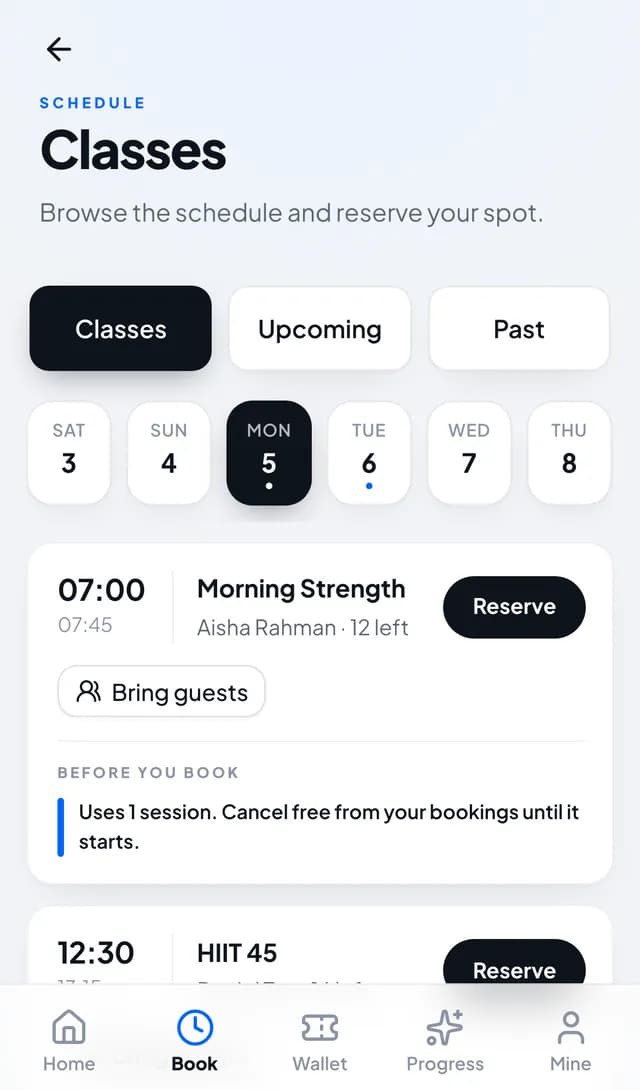
Switch on your waitlist
- In More features (Settings > Features), check that Waitlist for full classes is on.
- Set each class capacity in Schedule > Class templates, using the number of reformers, bikes or mats in the room.
- Set your cancellation notice period under Schedule > Policies.
- Under Settings > Automations, review the class reminders sent to members’ phones.
What clients see
On a full class, clients tap Join waitlist instead of Book. If a spot opens, they are booked automatically and receive an email saying they are in, so they only need to show up.
If you switch the waitlist off, full classes simply show Fully booked and no names are taken.
Questions
Does the waitlist move people in on its own?
Yes. When someone cancels, the first matching person on the waitlist is booked and emailed.
Can staff add someone to the waitlist?
Yes. Staff can still add people by hand, even when members join it themselves.
Can I turn the waitlist off?
Yes. Switch off Waitlist for full classes and full classes show Fully booked instead.
Will Timeo tell clients about classes with free spots?
On Advance, clients who use the Timeo member app can get a weekly line up and an open spots note the evening before, at most twice a week and never between 9pm and 9am.