Every table and its tab, on one live screen.
Set up your tables once, then watch which ones are open and what each has ordered, from the counter or a tablet on the floor.
Losing track of the dining room
When twenty tables are turning, the cashier is guessing which tab belongs to which table. Two servers ring the same round, a table that already paid gets a second bill, and a quiet corner table is forgotten until the guests walk up to complain.
A second check for the same table, a big party joined late, or a tab that has to move from one cashier to another all turn into notes on paper that never reconcile at closing.
How Timeo keeps the floor in view
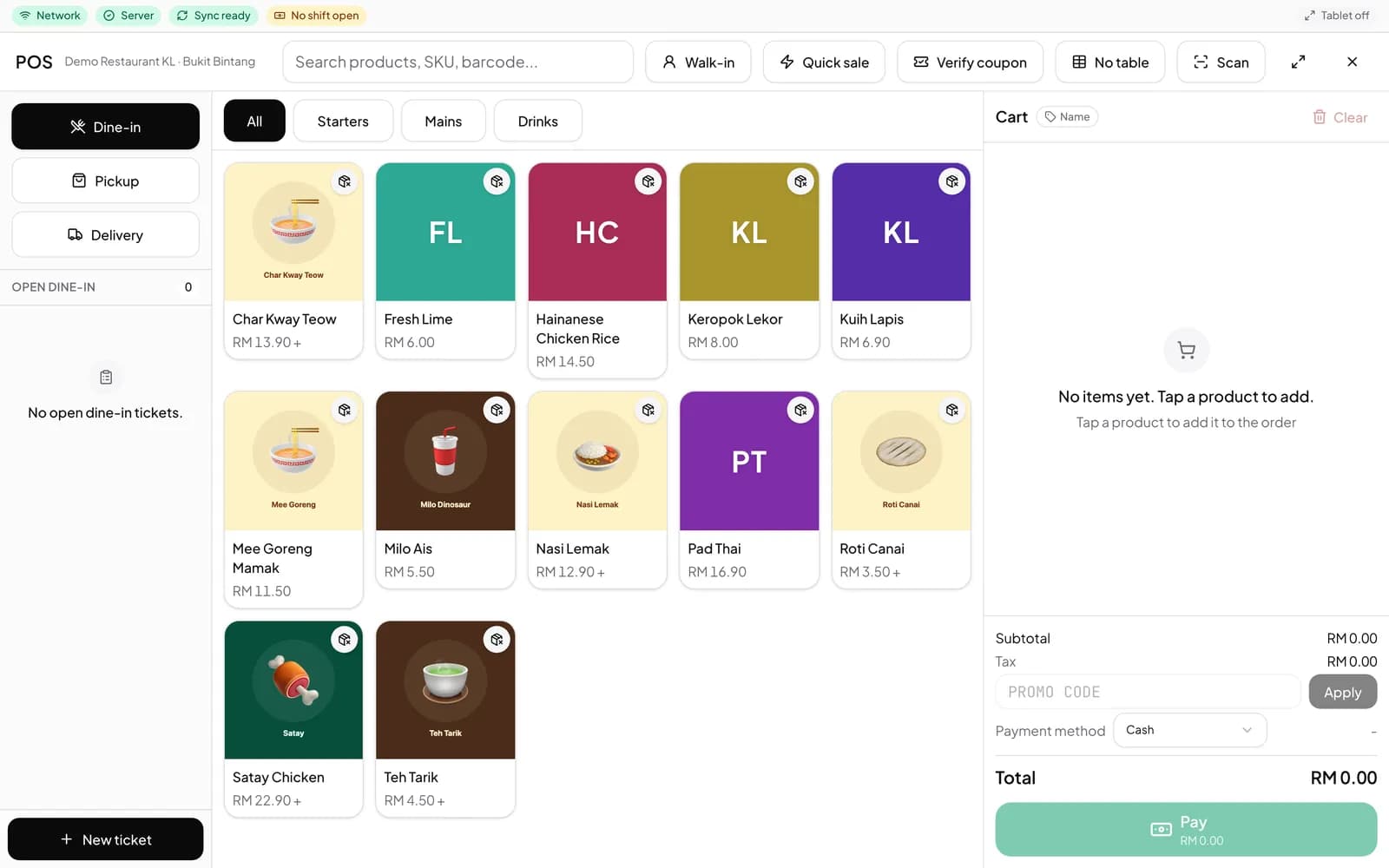
You create each table once in Settings > Tables, with a label your team uses, and each table gets its own QR code. In the POS, Pick a table attaches the cart to it, and a table that already has a tab says so before anyone starts a duplicate.
Sales > Tables (live) shows the open tickets per table. Use Resume on a table to load its running tab into the POS for payment, or to add the next round. Orders placed from that table’s QR code show up against the same table.
When a table wants a second check, Start a new cart opens a fresh bill on the same table and leaves the existing order untouched. Takeaway / Pickup keeps counter orders off the floor plan.
Set up your tables
- Open Settings > Tables and press New table for each table.
- Print the codes with Open printable QR or Export all QR codes if you want QR ordering too.
- At Sales > POS, use Pick a table before adding dishes so every order lands on the right tab.
- Keep Sales > Tables (live) open on the counter or a floor tablet and use Resume to take payment. If it is missing from the menu, turn off Starter mode in More features (Settings > Features).
What guests notice
The bill that arrives is the right one, with every round the table ordered and nothing from the table next door.
If part of the group wants to pay separately, a new check on the same table is opened in a moment instead of a long wait while the order is rebuilt.
Questions
Can two checks be open on the same table?
Yes. When a table is in use, the POS offers Resume open order or Start a new cart, which opens a second check and keeps the first one as it is.
Where do I see which tables are open?
Sales > Tables (live) lists the open tickets per table. Resume loads a table’s tab into the POS.
Do QR orders show against the table?
Yes. Each table has its own QR code, and orders placed from it are attached to that table as open tickets.
How do takeaway orders fit in?
Choose Takeaway / Pickup in the table picker for counter or to go orders, so they never sit on a table.