A coffee shop POS that keeps up with the morning queue.
Every drink option is a tap, your best sellers sit on the first screen, and a new barista can ring up an oat flat white with an extra shot on their first day.
What slows a coffee counter down
Between 7:30 and 9:00 the line is out the door. Every second order is a variation: oat milk, less sugar, iced, decaf, an extra shot. On a till built for retail, each of those is a separate item to hunt for, or a note typed by hand that the barista may not read.
Staff turnover is high in cafes, so the till has to be learnt in an hour, not a week. And when the tablet reloads mid order or the card terminal hiccups, the customer at the front should not have to repeat a four item order.
How the Timeo POS works behind the coffee machine
Drinks are products and their options live in modifier groups: milk, size, temperature, sweetness, extra shots. Tap a drink, pick the options, press Add to order. With Favorites tab at the register on, cashiers press and hold a tile to pin it, and the Favorites tab opens first on the register grid.
Restore unfinished carts at POS brings back the unpaid lines if the register page reloads, on the same device. Line and order notes at POS adds instructions such as extra hot, and they print on the ticket and the receipt.
Tips at POS shows No tip, 10%, 15%, 20% or a custom amount on the payment screen. Cafes that do not take cash can switch on Cashless only at POS, and Takeaway / Pickup keeps to go cups off your table list.
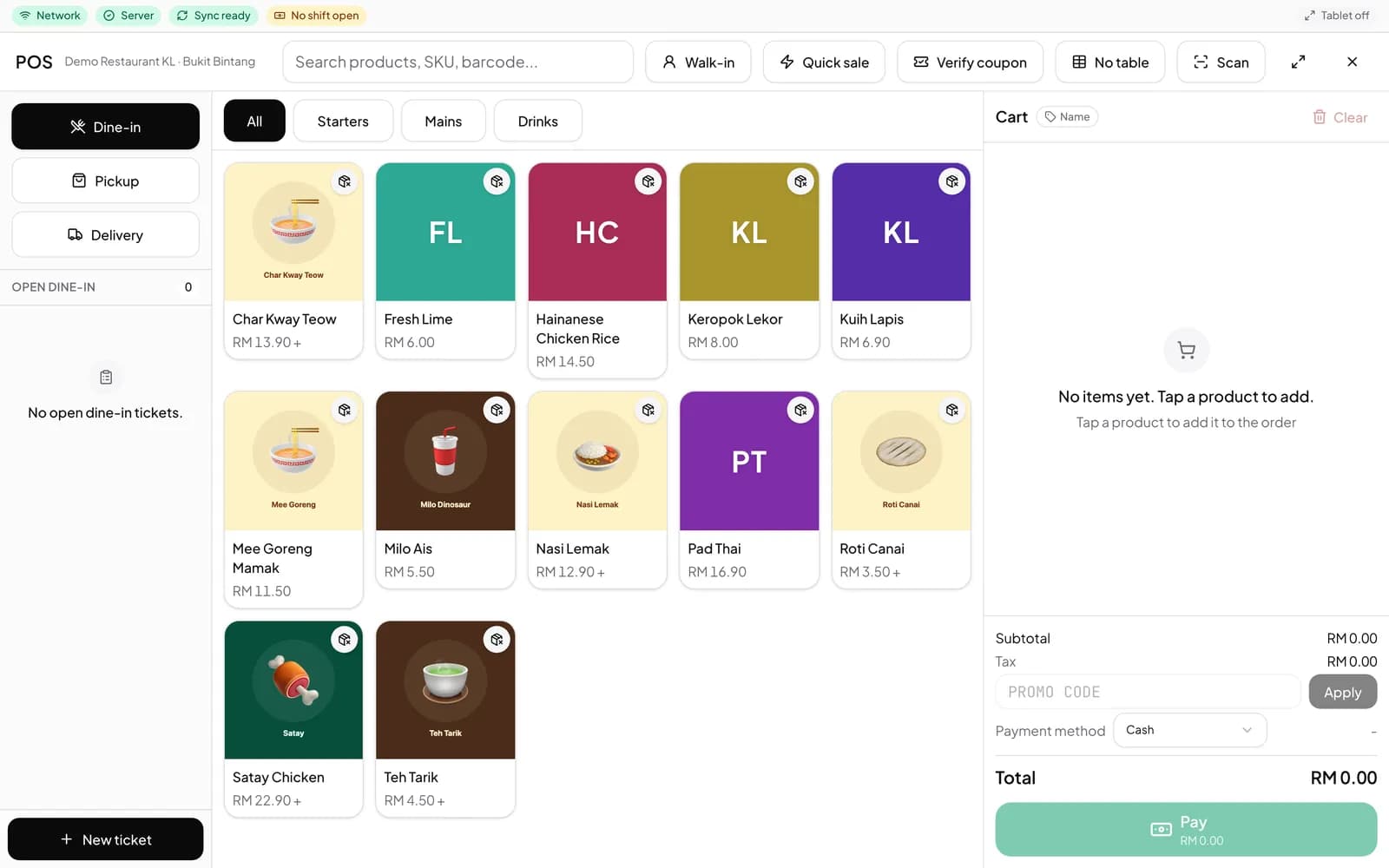
Set up the register for the rush
- Add your drinks and food under Catalog > Products, then your milk, size and sweetness choices under Catalog > Modifier groups. If you only see the essentials in the menu, turn off Starter mode in More features (Settings > Features).
- In More features, switch on Favorites tab at the register, Restore unfinished carts at POS and, if you take them, Tips at POS.
- Open Sales > POS in a browser, or sign in to TimeoPro on an Android tablet at the counter.
- Press and hold your five best sellers to pin them to Favorites before the first rush.
What customers notice
The line moves faster because the cashier taps the drink and its options instead of typing. The cup comes out the way it was ordered, because the barista reads the same option the customer asked for.
Customers who want to leave a tip can choose one on the payment screen, and every sale ends with a proper receipt.
Questions
How fast can a new barista learn it?
Drinks and options are buttons, and a Favorites tab can keep the busiest drinks on the first screen, so most orders are a few taps.
Can customers add a tip?
Yes. Turn on Tips at POS and the payment screen offers No tip, 10%, 15%, 20% or a custom tip.
What if the tablet reloads in the middle of an order?
With Restore unfinished carts at POS on, the unpaid lines come back automatically on the same device. Drafts expire after 12 hours.
Can I run a cashless cafe?
Yes. Cashless only at POS removes Cash from every payment screen, and cash is refused on the server too.
Which devices does it run on?
Any browser for the web POS, and Android tablets with the TimeoPro app.